

Easy and Pro sequences
Start with storyboard-style assembly in an Easy Sequence, then move to a Pro Sequence when you need full track control. Keep multiple sequences in a project and nest finished sections inside a larger edit.
Video editing and production
Edit video, shape the color, animate titles, and refine the sound in a complete desktop editing suite.
From short films and music videos to interviews and tutorials, FME brings your footage, graphics, captions, and audio together in one project.
One-time purchaseNo subscription
Local projectsYour files stay on your computer
A complete suiteEditor, renderer, and sound editor
Editing
Assemble a first cut, refine individual edits, and build longer sequences without leaving your project.
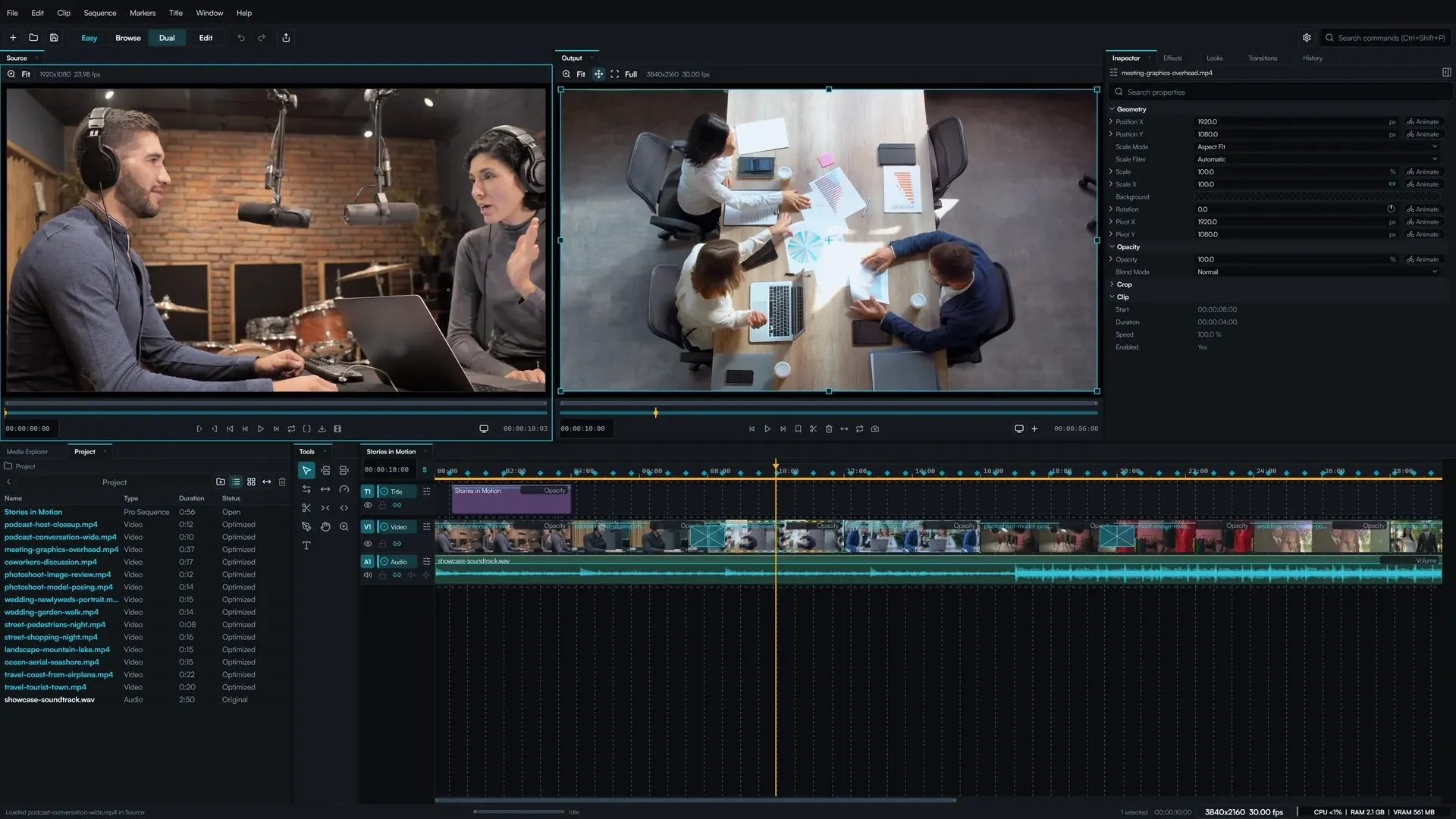
Start with storyboard-style assembly in an Easy Sequence, then move to a Pro Sequence when you need full track control. Keep multiple sequences in a project and nest finished sections inside a larger edit.
Use independent Source and Output viewers to choose a shot and place it accurately. Ripple, roll, slip, and slide tools refine a cut, while clip linking and grouping keep related footage together.
Slow down a moment, reverse a shot, or hold a freeze frame. Adjust clip speed, cut to beat markers, and revisit earlier decisions through a labeled editing history.
Feature demonstrations
Short demonstrations made with FME, showing animated masks and transitions on real footage.
Shaped reveals, soft edges, and animated cutouts, built from editable masks.
Explore graphic reveals, camera movement, light effects, and analog-inspired transitions.
Masks and compositing
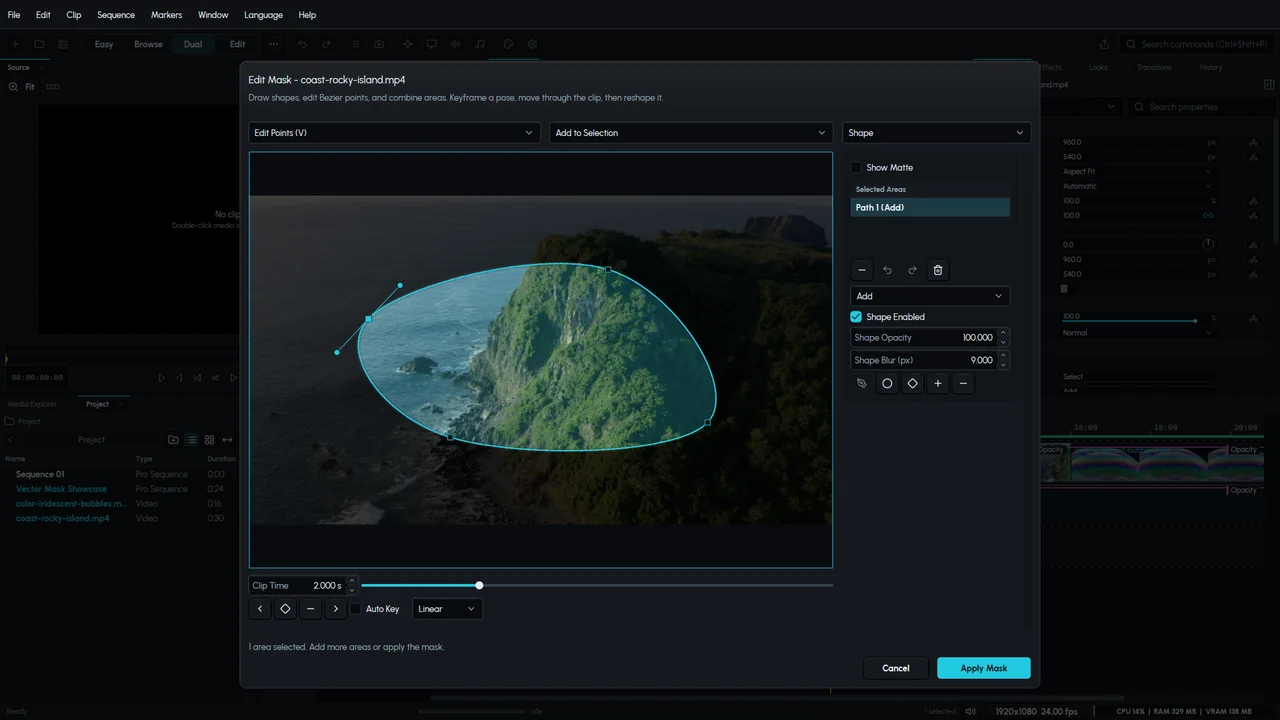
Isolate part of a shot, reveal another layer, or restrict an effect to a specific area. Draw a custom outline, refine its curves and handles, and combine shapes to build the region you need.
Adjust softness, opacity, and rotation for each shape. Animate the outline and its position over time for moving cutouts and gradual reveals, with a live preview as you work.
Captions and transcripts
Transcribe spoken footage and use the transcript to find a passage, review the wording, and add captions to your video. Correct the text and adjust its appearance while keeping it connected to the speech.
Choose the type, placement, and colors that suit your edit. Word highlighting brings emphasis to the current phrase, whether you are captioning an interview, a documentary, or a short vertical video.
Dialogue editing
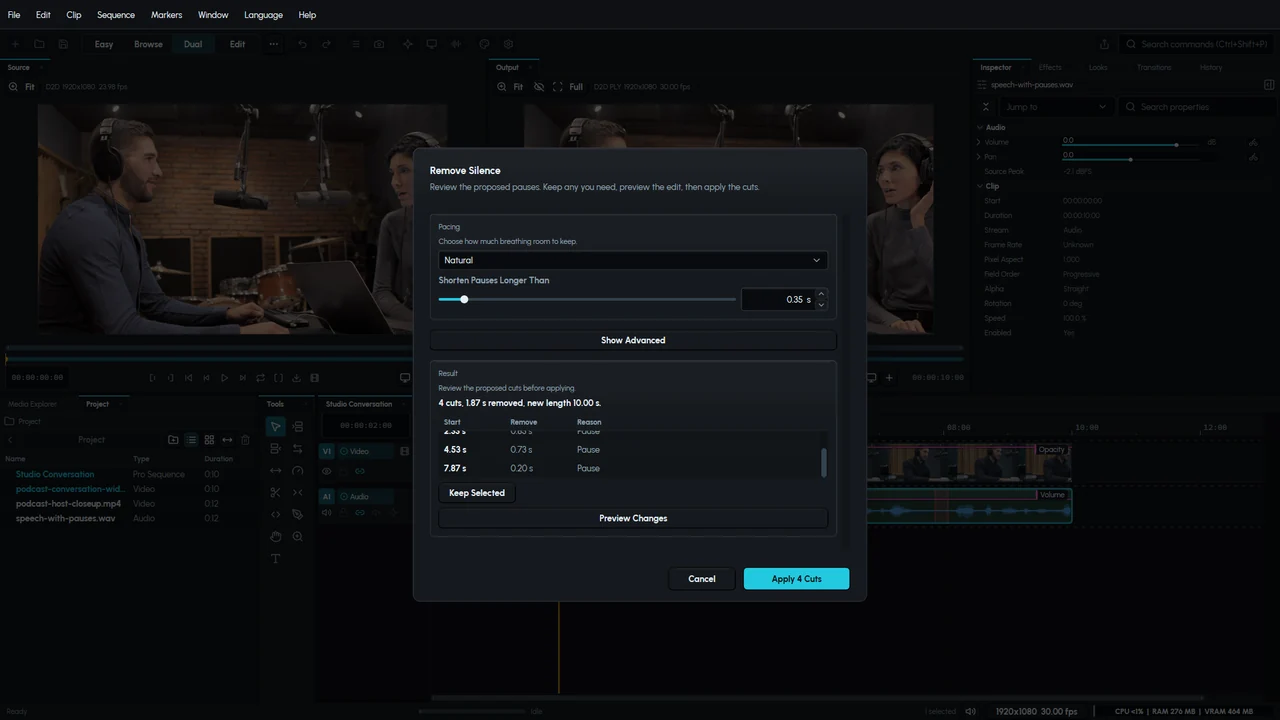
Review pauses and filler words before removing them. FME shows the proposed cuts, so you can keep natural breathing room and decide how tightly to edit an interview, podcast, or narration.
Use the transcript to select an unwanted spoken passage and remove the corresponding section from the edit. Preview the result, apply the changes together, and restore the previous version with Undo.
Color correction and Looks
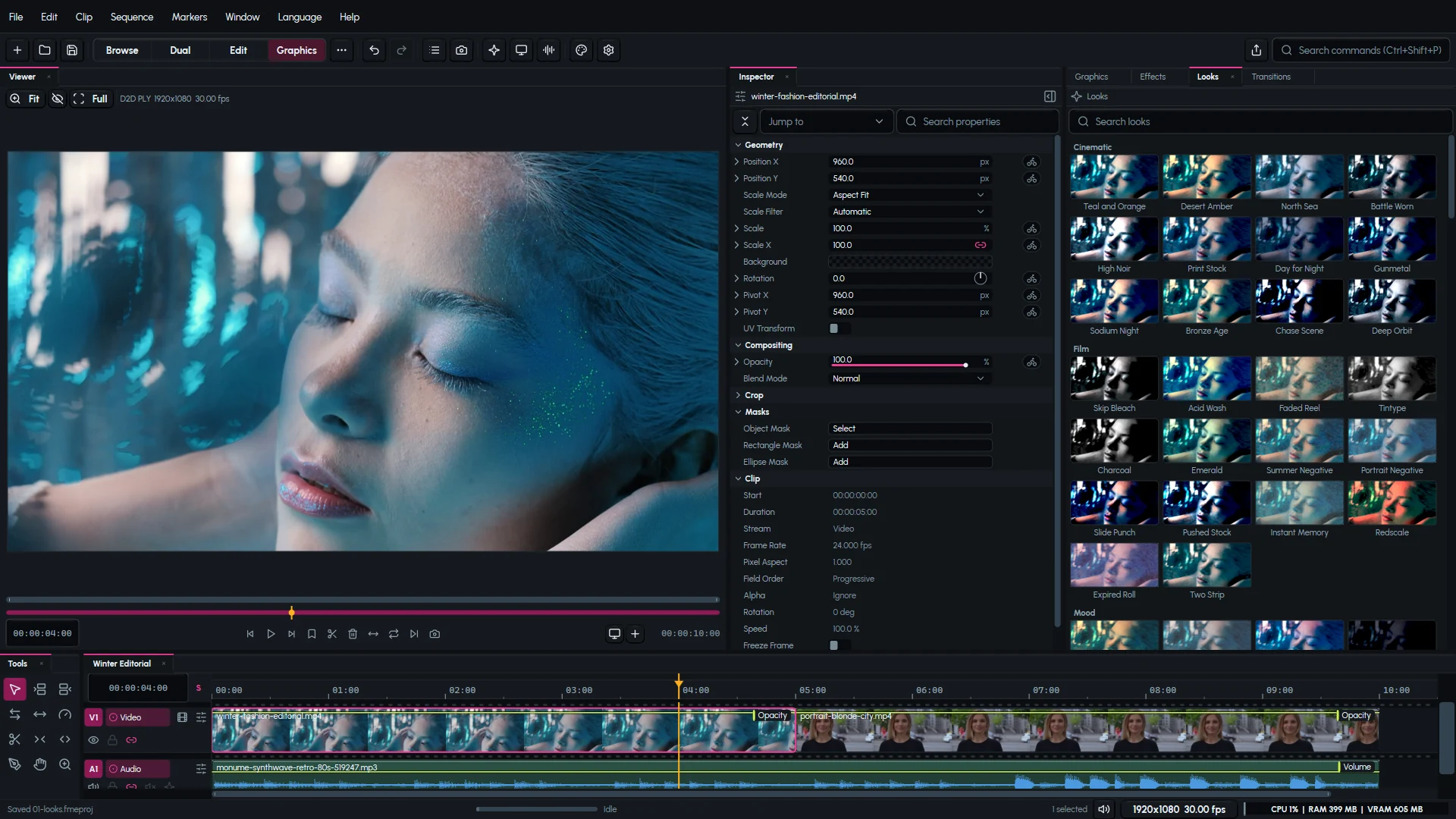
Explore a treatment on the actual shot, then refine it with color controls and scopes beside the frame.
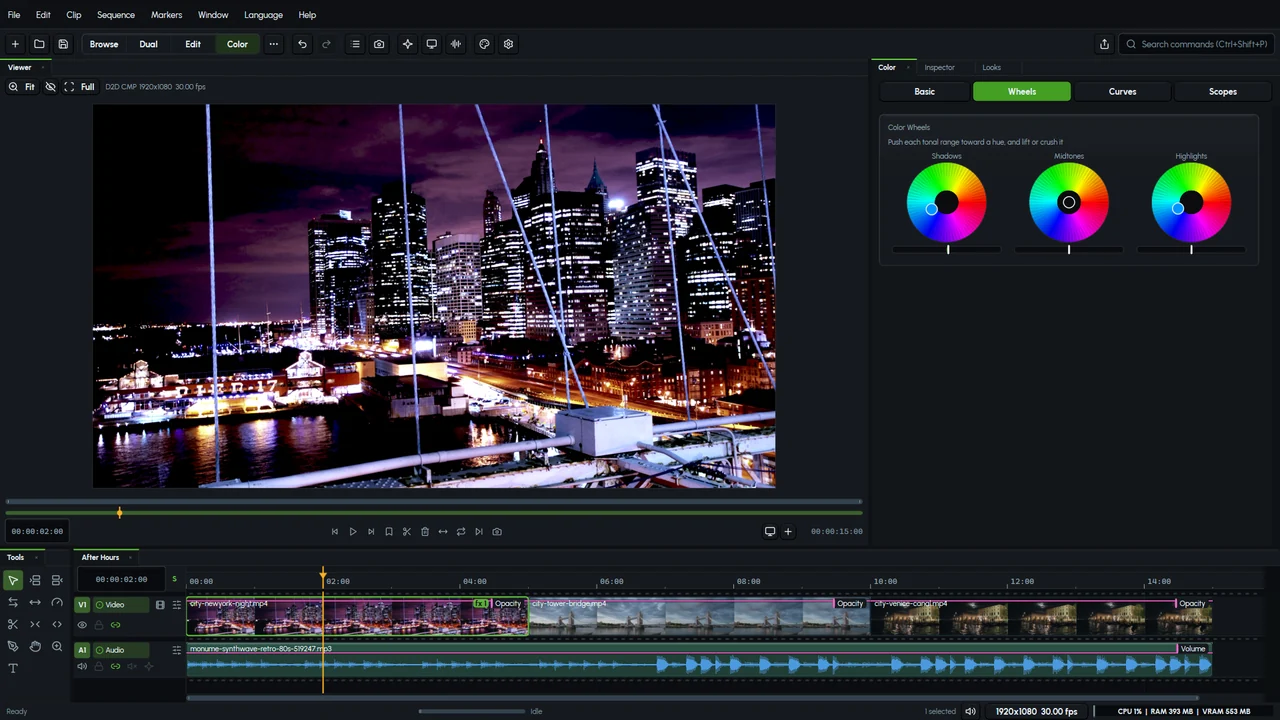
Browse cinematic, film, monochrome, and stylized Looks with a preview on the current shot. Choose a starting point, compare the result, and continue refining the image.
Adjust exposure, contrast, saturation, and color balance. Work with shadows, midtones, and highlights to give adjacent shots a consistent appearance.
Use the histogram, waveform, and vectorscope alongside your picture. Check brightness, channel balance, and skin tones as you make adjustments.
Titles, graphics, and effects
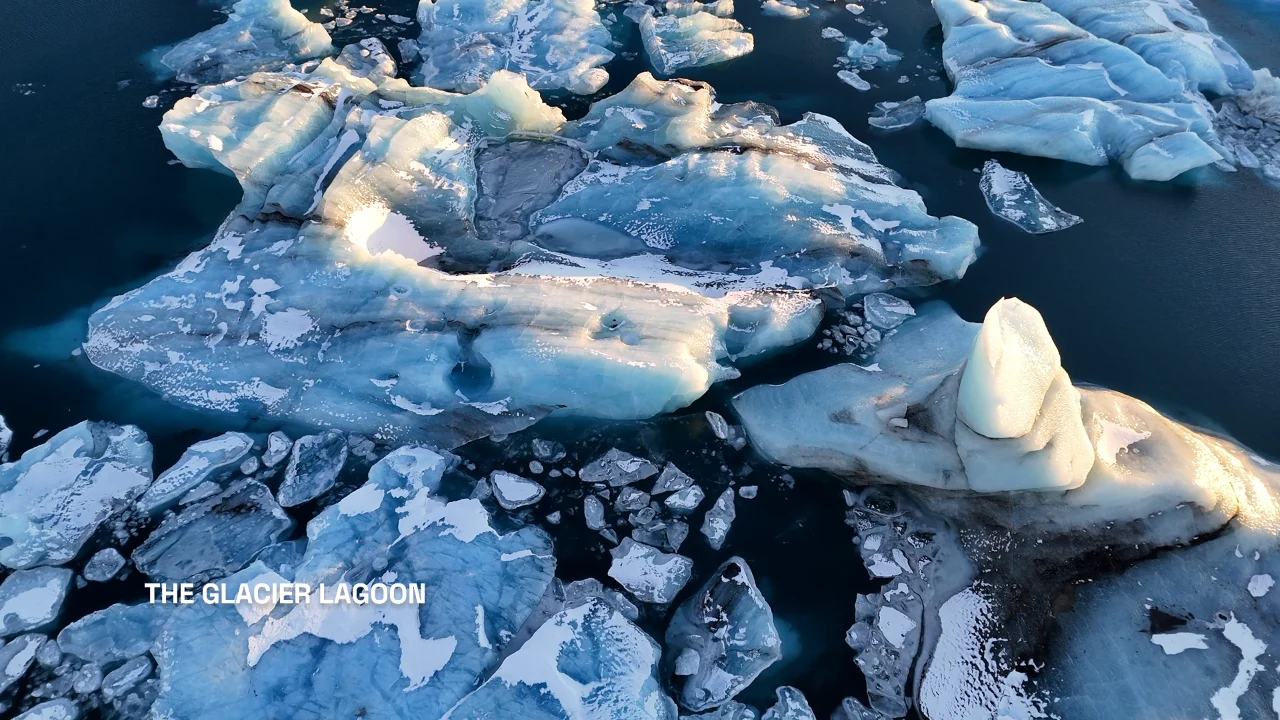
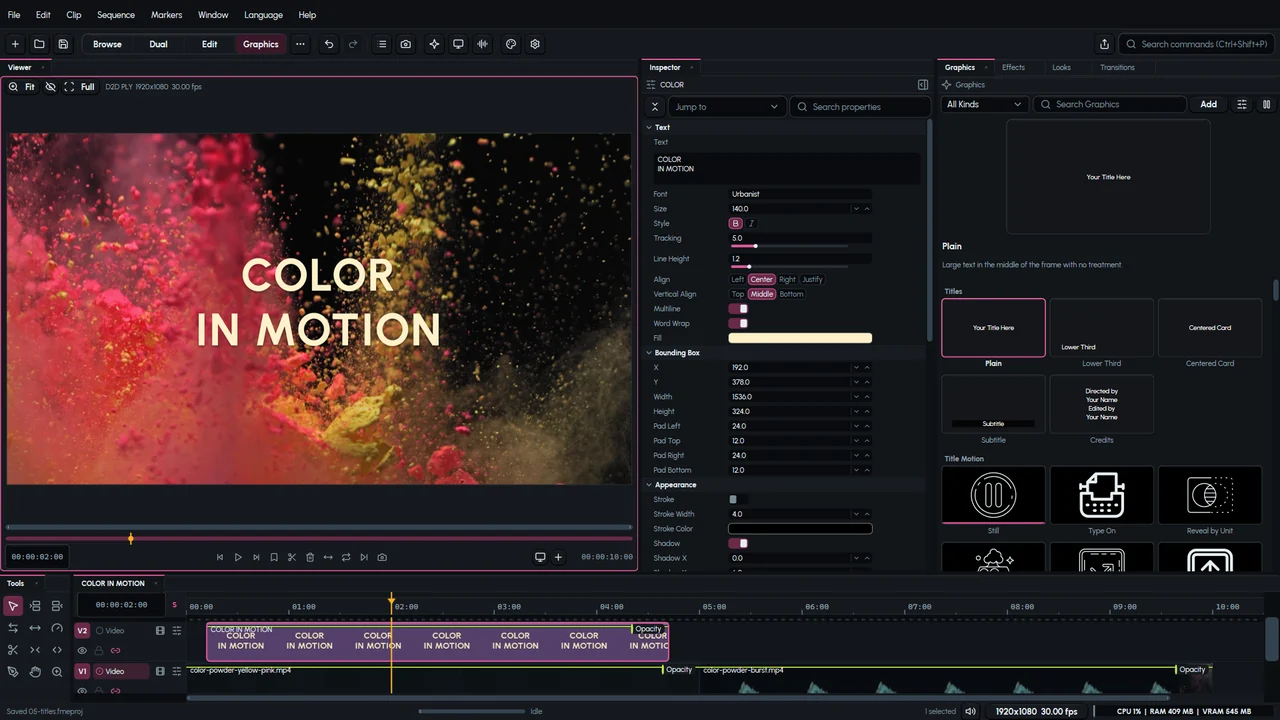
Create and edit titles directly over the picture. Set the font, spacing, line height, outline, and background, then animate letters, words, or lines with control over timing and stagger.
Build graphic compositions with editable media and text. Animate position, scale, rotation, and effects, and refine the pace of a movement with motion paths and keyframe curves.

Music visuals
Add waveforms, spectrum bars, rings, and atmospheric visuals that respond to a music clip. Adjust their color and composition, then combine them with footage and titles for music videos and audio releases.
Photos and graphic layouts
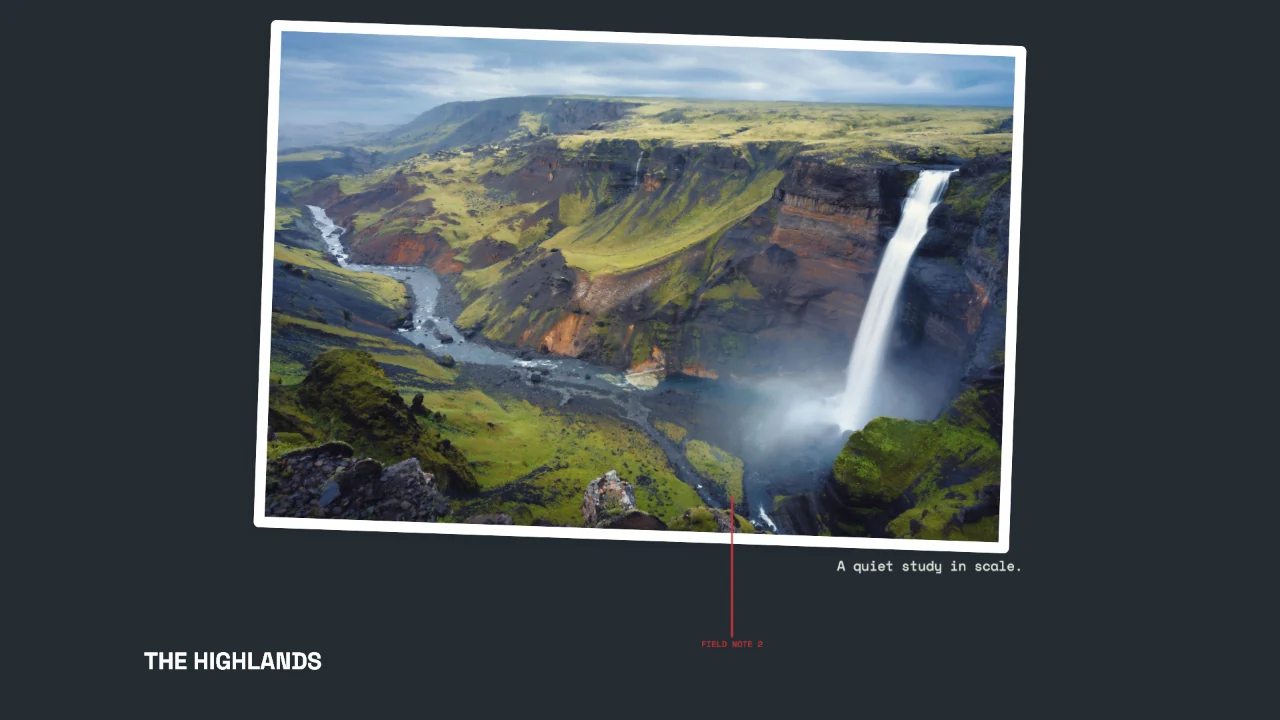
Build a photo sequence, assemble a slideshow, or place images in animated graphic layouts. Keep photos, captions, and transitions individually editable as the sequence develops.
Day-to-day production
Keep the supporting work close to the edit, from selecting your footage to preparing the final versions.
Browse footage in lists, thumbnails, or a freeform layout. Organize clips into folders, scrub previews, set poster frames, and relink missing media when a project moves.
Mix dialogue, music, and effects with clip volume, pan, and fades. Record narration against the sequence with a count-in and teleprompter, then keep or discard the take.
Arrange the panels for editing, color, audio, or narration. Float a panel on another display, save a custom layout, and customize shortcuts around your working habits.
Deliver widescreen, vertical, square, and custom versions. Export a whole sequence or a selected range, and queue additional outputs while you continue editing.
Keep projects and media in folders you choose. Autosaves, backup recovery, and clear missing-media reports help you return to work after an interruption.
Use scripts and connected assistants to organize media, make edits, and prepare exports. Automated changes share the project's editing history, so you can review and undo them.
Included applications
The FME bundle includes dedicated applications for video editing, detailed audio work, and batch rendering.
Build and finish your video with multitrack editing, color correction, masks, titles, captions, and audio in a shared project.
Explore the editorOpen audio for detailed waveform editing and spectral repair. Make precise cuts, repair selected regions, inspect levels and frequencies, and bring the edited sound back into your production.
Prepare several outputs from a sequence or media file. Manage a persistent render queue, reuse export presets, process watch folders, and recover interrupted jobs after a restart.
One-time purchase. No subscription. Projects and media stay on your computer.
Windows, macOS, and Linux (Omarchy).